
An effective AdSense strategy for job blogs starts with helping readers understand an opportunity and reach the correct application route. Advertising should support the website without obscuring requirements, misleading applicants or making an advertisement look like an Apply button.
Quick answer: Separate career guides from actual vacancies, maintain current job information, place ads clearly away from application controls and measure revenue alongside reader behaviour. Employment keywords do not guarantee high CPC, high RPM or consistent income.
This guide focuses on decisions specific to job and career publishers. For general approval and setup topics, use our AdSense guides hub. For a small site’s broader measurement process, read the low-traffic AdSense optimisation guide.
Define the Type of Job Website You Operate
A career blog, employer directory and vacancy board serve different needs. A career guide explains skills or work arrangements. An employer directory helps readers investigate companies. An individual vacancy describes a specific opening with requirements and an application route.
State the page’s purpose early. Readers should not have to scroll through advertisements to discover that an article about job categories contains no currently verified vacancies. Avoid using “hiring now” language for a general career guide.
| Page type | Reader’s main task | Editorial requirement |
|---|---|---|
| Career guide | Understand a role or preparation path | Explain requirements, limitations and relevant next steps |
| Employer directory | Research organisations and career pages | Distinguish company information from open vacancies |
| Individual vacancy | Assess and apply for one opening | Maintain current details and a valid application route |
| Application resource | Prepare a resume, message or interview | Provide usable examples without employment guarantees |
Give Every Page a Distinct Purpose
Do not create several near-identical articles simply by changing “online,” “remote,” “part-time” or a year in the title. A separate page needs a meaningful difference in the reader’s question and the guidance provided.
For example, a broad work-from-home roles guide can lead to a schedule-specific article. The supporting page should explain its schedule requirements rather than repeat the pillar’s entire list of occupations.
Assign one main search intent to each important URL. Review overlaps before publishing another variation. Improve, consolidate or retire resources according to their usefulness and existing links; more URLs do not automatically create more valuable traffic.
Add Value Beyond Reposting Job Descriptions
A job publisher needs an editorial contribution. Copying a vacancy onto another domain without useful context does little for readers. Explain relevant qualifications, location restrictions, schedule details and the steps needed to verify the original opportunity.
Keep the difference between a source fact and your interpretation clear. If the employer says “selected states,” do not rewrite it as nationwide. If salary is not supplied, do not invent a range and present it as the employer’s offer.
Google’s replicated-content policy addresses copied material without added value through commentary or curation. Added explanation does not remove the need to respect rights and permissions for the material you use.
For salary context, identify the occupation, source period and scope. A national occupational median is different from a particular remote opening’s compensation. Label hypothetical earnings calculations as examples rather than documented employment outcomes.
Create a Vacancy Verification Record
Before describing an opening as current, inspect the original employer listing or another authorised source. Record what you checked and when. A company’s careers homepage alone does not establish that one particular position remains available.
Employer:
Job title and reference:
Original source URL:
Permitted location:
Remote, hybrid or office arrangement:
Schedule and time zone:
Employment or contract type:
Compensation stated by the source:
Required qualifications:
Application deadline, if supplied:
Last checked:
Status and unresolved questions:
Do not convert missing information into favourable assumptions. Write “not stated in the source” where appropriate and direct readers to confirm the detail. Our remote-company research guide illustrates employer investigation as a separate task.
Keep a method for readers to report an expired link or correction. Investigate reports and update the affected page. Display a meaningful checked date when you actually reviewed the source, rather than automatically refreshing dates without inspection.
Handle Expired Jobs and JobPosting Markup
If an opening expires, stop presenting it as currently available. Update the application section and decide whether the page still provides useful historical or explanatory information. Remove misleading “apply now” claims.
Google specifies that JobPosting markup belongs on a page describing an individual job, not a listing page containing multiple jobs. A general article about remote roles or monetisation should not use that markup.
For an expired vacancy, follow the documented options for expiry, removal of markup or removal of the page. Review the official JobPosting guidance. Structured data must match the visible content and does not guarantee visibility in search results.
An archived page can still contain useful material, but assess it on its actual content. A page reduced to an expired notice and advertising needs a different monetisation decision from a substantive evergreen guide.
Keep Advertisements Separate from Application Controls
The most important layout question for a job blog is whether readers can identify the genuine application route. An advertisement should not resemble an Apply, Download Resume or View Employer button.
Keep application controls visually distinct, accurately labelled and separated from ad placements. Check what happens while ads load: movement can bring a different element under a reader’s finger even when the final layout appears clear.
Review Google’s ad placement policies. Avoid misleading labels, accidental interaction and advertisements presented as site navigation. Use our ad placement guide for a wider layout review.
| Page area | Reader need | Layout check |
|---|---|---|
| Headline and summary | Understand what the page contains | Do not let advertising obscure the page purpose |
| Requirements section | Determine eligibility | Keep lists and important limitations readable |
| Application section | Reach the actual employer or application route | Separate the control from advertising |
| Related resources | Prepare or investigate further | Distinguish editorial links from paid promotion |
| Mobile navigation | Move through the site | Check overlays, spacing and loading movement |
Do not impose extra pages, countdowns or repeated clicks merely to generate advertising impressions before revealing a source link. A reader who quickly reaches the correct employer may have completed the task successfully.
Review Empty and Low-Content Screens Separately
A job website may contain empty search results, broken destinations, login screens and expired pages. Review these templates instead of assuming that the same ad configuration belongs everywhere.
Google’s policy on screens without publisher content describes restrictions on such inventory. Do not treat every template as monetisable simply because it is part of an approved domain.
Where ads are excluded, document whether the control applies to Auto ads, manually inserted units or both. A setting affecting one implementation may leave another active. Test the actual public output after making changes.
Google also prohibits screens with more advertising or paid promotional material than publisher content. Review the relevant inventory policy rather than using a fixed ad-count rule copied from another website.
Use Revenue Metrics That Match the Question
Do not evaluate the whole business through CPC alone. Google announced a transition toward per-impression publisher payments for AdSense. Its monetisation update explains why a click-focused strategy is incomplete.
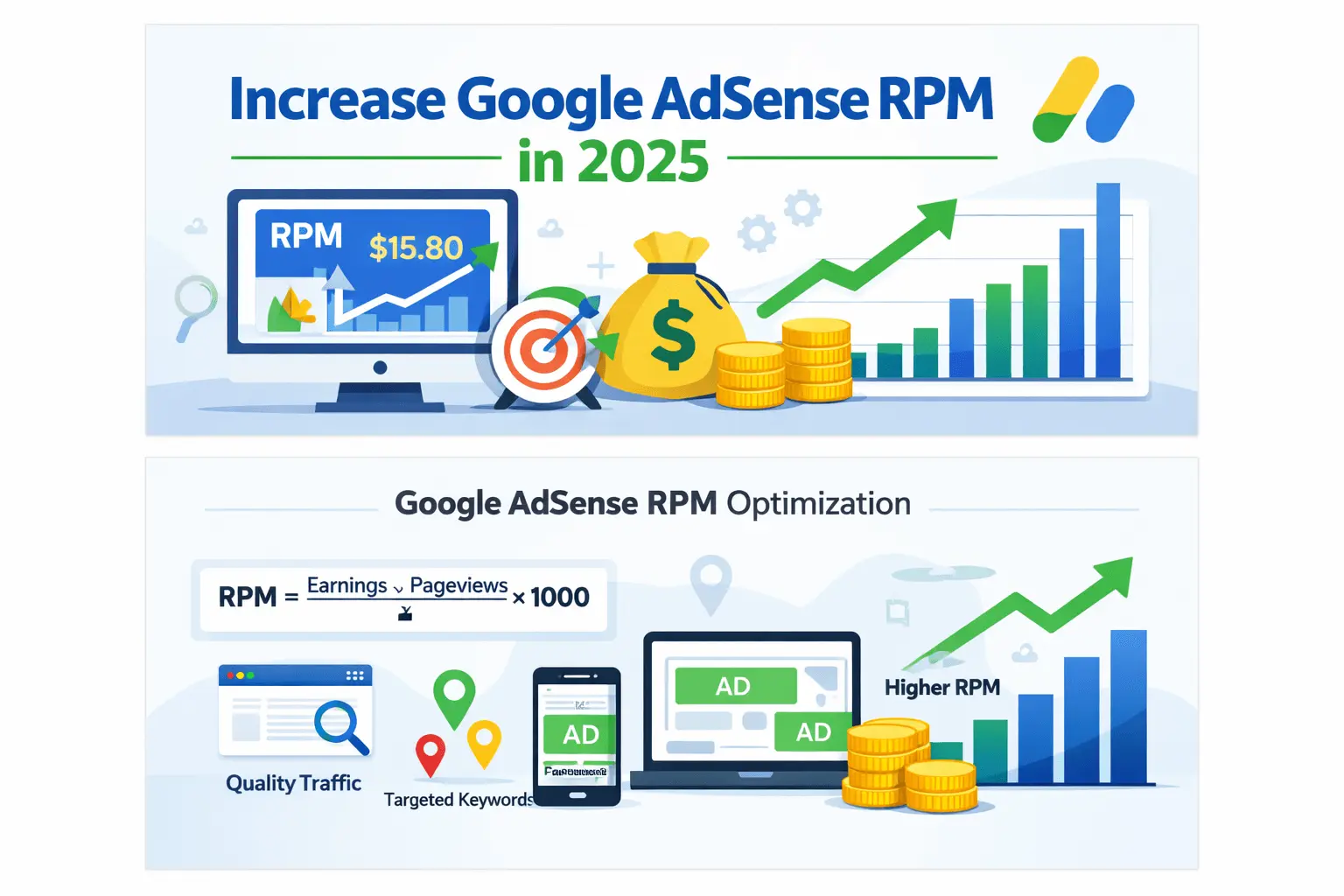
Page RPM connects estimated earnings to AdSense pageviews. Google defines it as estimated earnings divided by pageviews, multiplied by one thousand. Use matching dates, report filters and currency.
Page RPM = estimated earnings ÷ AdSense pageviews × 1,000. For example, $12 from 6,000 AdSense pageviews produces a $2 page RPM. This is a calculation, not a forecast.
Check the official Page RPM definition and our earnings per 1,000 views guide. Keep estimated figures separate from finalised earnings and business profit.
Search Console clicks, Analytics views and AdSense pageviews are different measurements. Do not replace the AdSense denominator with another tool’s count and label the result official page RPM.
Measure the Reader’s Job-Search Task
Advertising revenue is one outcome. A job blog should also evaluate whether readers can locate requirements, understand eligibility and reach the source. Those outcomes help detect when a revenue change makes the site less useful.
You can track an outgoing application-link interaction where your measurement setup supports it. Label it accurately: an outbound click is not proof that the reader completed an application or was hired.
Avoid collecting sensitive application information merely to build an analytics report. Keep event data limited to appropriate page and interaction context. Do not put names, resumes, identity numbers or email addresses into general reporting parameters.
| Measure | What it helps assess | Important limitation |
|---|---|---|
| Organic clicks | Search discovery | Not total visitors or successful applications |
| AdSense page RPM | Revenue relative to monetised pageviews | Not proof of why revenue changed |
| Application-link clicks | Use of an application route | Not completed applications |
| Broken or expired source links | Editorial maintenance | Requires checks, not only automated counts |
| Reader correction reports | Potential accuracy problems | Each report needs investigation |
Where supported URL-level earnings are available, group results by page type. Otherwise, use valid sitewide monetisation reports and separate content-behaviour reports. Do not invent revenue for individual pages from traffic shares.
Choose Career Topics Through Reader Needs
Start with questions your site can answer accurately. Examples include role eligibility, schedule requirements, application preparation and employer verification. A keyword tool’s advertiser CPC estimate is not the amount your website will earn.
Use our keyword-research workflow to organise discovery. Decide whether a topic deserves a separate article based on intent and evidence, not simply a promising bid estimate.
Country-specific content should explain genuine local requirements. Adding “USA” to a title does not establish relevance or change the location of your readers. Do not claim universal RPM rankings by country or label an audience as low quality merely because its revenue is lower.
Prioritise resources that already show useful search or reader signals, then improve the missing information. A specific query can reveal a valuable question without guaranteeing easy rankings or advertiser demand.
Build Helpful Internal Journeys
Connect a career overview to a genuinely narrower resource, then to preparation or verification guidance. For example, a student work hub can help readers select a path, while a role guide explains its requirements.
BlogerHub’s student jobs hub and remote-job verification guide illustrate different reader tasks. Place each link where it answers a relevant next question.
Do not force a detour before the employer’s application link. Some readers need preparation, while others are ready to leave for the source. Both can be successful outcomes.
Update internal links when resources are consolidated or retired. A useful content journey depends on working destinations and distinct answers, not on reaching an arbitrary link count.
Acquire Traffic Without Misleading Job Seekers
Search, professional networks and opt-in newsletters can help people discover useful career content. Their value depends on the audience and purpose. No channel automatically produces the highest RPM for every site.
Describe shared content honestly. A newsletter linking to an evergreen role guide should not claim that a new vacancy was just verified. Do not reuse an expired application deadline to create urgency.
Never request ad clicks or buy automated visits and click packages. Investigate unfamiliar traffic sources and account warnings. Our invalid-traffic guide explains the separate account-protection process.
For paid acquisition, compare actual costs with observed revenue and reader outcomes. Do not assume that purchased traffic is profitable or permitted because a seller describes it as “AdSense-safe.”
Test One Template Change at a Time
Choose a page type with enough activity to evaluate. Record its current ad configuration, traffic mix and reader-task measures. A change to vacancy pages should not be evaluated only through sitewide results dominated by unrelated guides.
Use a supported AdSense experiment when available for the setting you want to compare. Otherwise, document a before-and-after observation and its limitations. Traffic changes and advertiser demand can affect the result independently of your edit.
Judge estimated earnings alongside mobile usability and application-link behaviour. A small RPM increase does not justify a misleading layout. Reverse a change that introduces overlap, accidental interaction or broken navigation.
Do not declare a winner after one unusually good day. Low-traffic templates may remain inconclusive even after several weeks. Record uncertainty instead of turning an observation into a guaranteed optimisation rule.
Keep Costs in the Revenue Calculation
Advertising earnings are not profit. Job content can require source checking, editorial updates, hosting and technical maintenance. Record the recurring work needed to keep the site useful.
At an illustrative 20,000 monthly AdSense pageviews and $2 page RPM, estimated earnings are $40. At the same views and $4 RPM, they are $80. These are mathematical scenarios, not typical job-blog rates.
Compare the difference with the effort and cost of the proposed change. A frequently expired vacancy collection may require more maintenance than an evergreen guide. Do not publish hundreds of listings without a realistic updating process.
A 30-Day Job-Blog Monetisation Review
| Period | Work | Output |
|---|---|---|
| Days 1–7 | Classify pages and inspect source accuracy | A page-type map and maintenance list |
| Days 8–14 | Repair application links and misleading layouts | Verified corrections on public pages |
| Days 15–21 | Record baseline reports and useful interaction measures | A consistent reporting setup |
| Days 22–30 | Start one justified template experiment or observation | A test log with limitations |
This schedule organises work, not guaranteed revenue growth. Extend measurement when the sample is too small. Repeat tests only when a concrete question or unresolved problem justifies another change.
Frequently Asked Questions
Are job blogs guaranteed to earn high AdSense RPM?
No. Results depend on the actual audience, ad activity, demand and implementation. An employment topic or country label is not an earning guarantee. Use your own consistent reports.
Can I place an ad beside an Apply button?
Assess whether the arrangement can mislead readers or cause accidental interaction. Keep the genuine control clearly separated and test mobile loading behaviour. Follow placement policies rather than copying another site’s layout.
Should every career guide have JobPosting schema?
No. Google specifies individual job-detail pages for that markup. A career guide, monetisation article or list of several opportunities has a different purpose.
Can I copy an employer’s vacancy and monetise it?
Respect rights and permissions, maintain accurate details and add substantive editorial value. Republishing without value can raise replicated-content concerns. Do not assume that changing a few words makes the page useful.
Should I optimise for longer visits?
Interpret time spent in context. A reader who quickly finds the correct application route may have succeeded. Do not create unnecessary waiting or navigation solely to extend a visit.
What should I improve first on a small job blog?
Correct inaccurate opportunities, broken application routes and misleading ad placement first. Then establish consistent measurement and improve the most useful pages. Revenue optimisation works best on a trustworthy foundation.