
AdSense RPM optimization starts with finding out why revenue changes. Lower earnings can come from fewer page views, a different audience mix, reduced ad delivery or weaker revenue from the impressions you already serve. Each situation calls for a different response.
This guide explains how to establish a reporting baseline, investigate the main bottleneck and test an improvement without making your website harder to use. You will also find hypothetical calculations, a measurement worksheet and a practical review schedule.
If you are still learning the platform, begin with our Google AdSense guide. This article focuses on improving an existing advertising setup.
Quick Answer: How Can You Improve AdSense RPM?
Compare complete reporting periods, check page views and ad delivery, and separate important audience segments. Fix confirmed implementation problems before testing ad settings. Then evaluate one change at a time using revenue, Page RPM and user experience together. There is no universal RPM target, country multiplier or setting that guarantees higher earnings.
Understand What Page RPM Measures
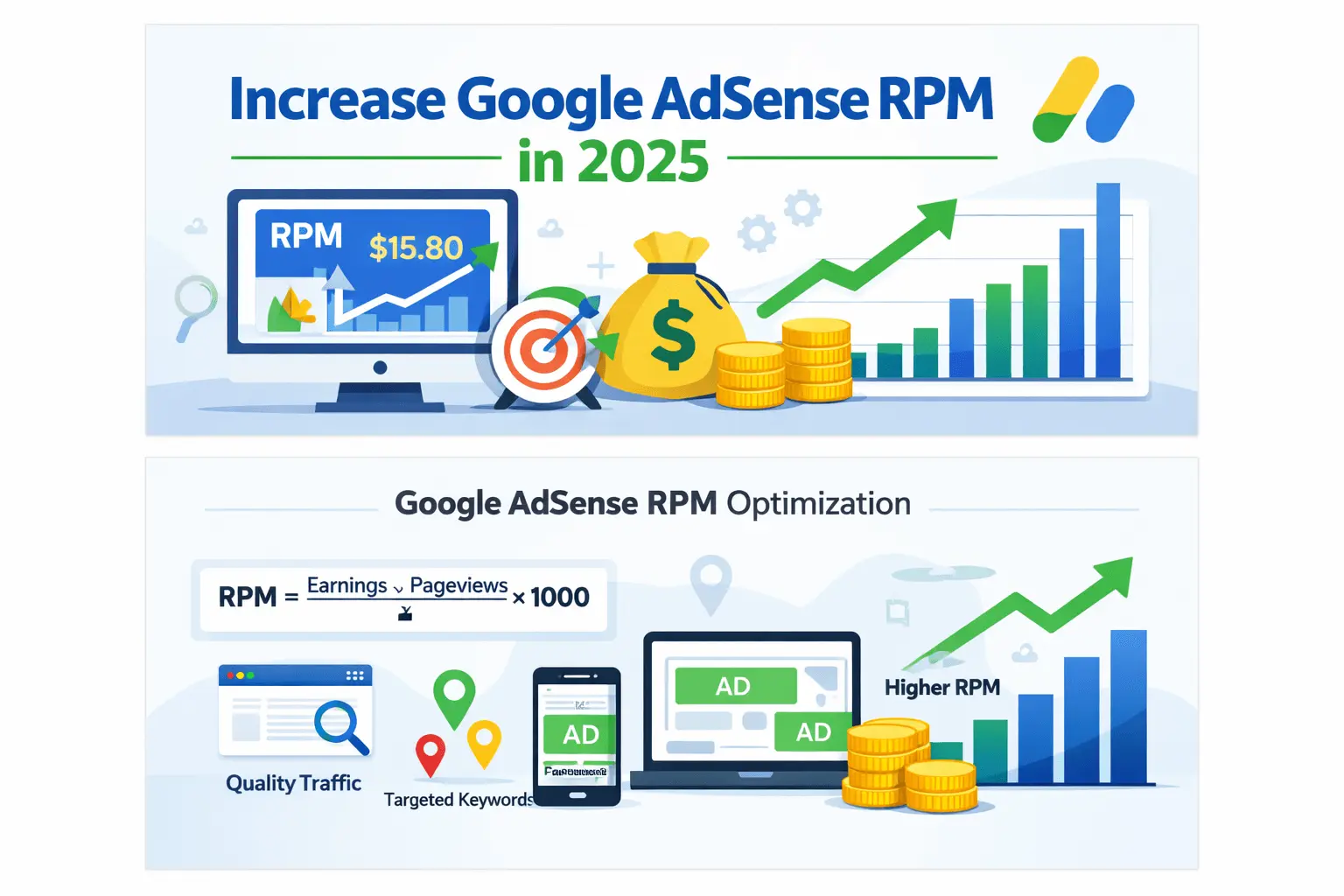
Page RPM expresses estimated earnings relative to 1,000 page views. Google calculates it using this formula:
Page RPM = (Estimated earnings ÷ Page views) × 1,000
For example, an illustrative report showing $12 from 6,000 page views has a Page RPM of $2. This describes the selected reporting period; it does not establish what the next 1,000 views will earn.
Ad impression RPM uses ad impressions as its denominator. Users, sessions, page views and ad impressions are different measurements. A page can produce multiple ad impressions, so you should not compare Page RPM with impression RPM as though they were interchangeable.
Use the official Page RPM definition when checking calculations. Our AdSense CPC vs RPM vs CTR guide explains the related metrics.
Why CPC Alone Cannot Explain Your Earnings
Google identifies impression-based payment for AdSense for Content publishers. A strategy based only on attracting ad clicks therefore gives an incomplete view of revenue. CPC and CTR can provide context where relevant, but they should not replace total earnings and the appropriate RPM metric.
Google’s publisher monetization update explains the move to per-impression payments. Do not estimate your site’s income by multiplying a keyword research tool’s advertiser CPC by an assumed number of clicks.
Step 1: Establish a Comparable Baseline
Choose a complete reporting window that contains enough activity to be useful. A 28-day period can be a practical starting point for a small site, but it is not a required test duration. Very low traffic may need a longer window, while a major site change can make an older period less comparable.
Record the site, dates, currency, reporting time zone and filters. Compare completed periods with similar weekday coverage. Avoid comparing today’s partial earnings with a finished day or mixing account-wide revenue with one page group’s traffic.
- Estimated earnings and AdSense page views.
- Page RPM and ad impression RPM where available.
- Ad requests, coverage and ad impressions.
- Available viewability measurements.
- Country, device and page or content-group breakdowns.
- Dates of theme, plugin, consent and advertising changes.
Use AdSense revenue and AdSense page views together for the AdSense Page RPM calculation. GA4 remains useful for audience behavior, but its view counts may differ because measurement and implementation differ. If you calculate a separate cross-system ratio, label it clearly.
Step 2: Identify the Main Revenue Problem
Google recommends investigating page views, coverage and impressions in that order. Start with the broad site trend, then examine relevant breakdowns. This prevents you from changing placements when the main problem is simply that fewer people reached the site.
| Observed pattern | First investigation | Avoid assuming |
|---|---|---|
| Earnings and page views fall together | Traffic and affected landing pages | Ad placement caused everything |
| Page views stay stable but coverage falls | Account notices, ads.txt and ad serving | More content will restore delivery |
| Views and coverage stay stable but impressions fall | Implementation, formats and placements | Demand alone explains the change |
| Delivery appears stable but RPM changes | Audience mix, ad inventory and comparable segments | One daily fluctuation proves a trend |
Use Google’s earnings troubleshooting guide for the initial checks. If organic visits declined, our SEO traffic drop checklist addresses that separate issue.
Step 3: Check Coverage and Account Notices
When coverage declines, inspect the Policy center, ads.txt status and relevant crawler messages. Google lists ad serving limits, configuration problems, invalid traffic, blocking settings and market conditions among possible causes. The correct response depends on the issue actually reported.
Open the relevant notice and document the affected site, pages and requested action. For ads.txt, use your own publisher details and confirm the status through AdSense. Do not paste an unrelated site’s record or assume that a browser-visible file proves every account check has passed.
Follow Google’s coverage troubleshooting instructions. Our AdSense policy issues guide provides additional context. Read notices before changing settings that may have no connection to the problem.
Step 4: Inspect Ad Delivery on Real Pages
Check representative pages using the same devices your readers use. Include a short article, a long guide, an archive and any important template. Record the page URL, device, consent state and whether the expected layout works.
For a WordPress site, review the theme, advertising plugin and any manually inserted units. Determine which component controls each placement. A recent migration or plugin change may have removed a placement, duplicated an insertion rule or applied different settings to mobile pages.
Inspect without clicking your own ads. A single empty slot is not sufficient evidence of a site-wide failure. Compare repeated observations with the account’s delivery reports and relevant notices. Google’s impression troubleshooting guide explains the delivery checks.
Keep a record before editing anything. A screenshot and the current configuration make it easier to evaluate a change and restore the previous setup if necessary.
Step 5: Separate Countries, Devices and Page Groups
A site-wide average combines different audiences and pages. Compare meaningful segments to understand whether the overall result reflects changing performance within those segments or simply a different mix of traffic.
Begin with one breakdown at a time. Review countries, then devices, then important content groups. Dividing a small audience into dozens of combinations can leave each group too small to interpret. Preserve the same dates and metric definitions.
Our mobile vs desktop RPM guide and country RPM analysis guide cover those narrower comparisons.
For US visitors specifically, use our USA traffic and AdSense CPC guide. Country is an analytical dimension, not a guarantee of earnings or a measure of whether a reader is valuable.
Calculate the Combined RPM Correctly
The following hypothetical example shows why traffic mix matters. It is not BlogerHub performance data or a country benchmark.
| Segment | Page views | Estimated earnings | Page RPM |
|---|---|---|---|
| Content group A | 1,000 | $6 | $6 |
| Content group B | 9,000 | $9 | $1 |
| Combined | 10,000 | $15 | $1.50 |
The combined RPM is $15 divided by 10,000, multiplied by 1,000: $1.50. Averaging $6 and $1 to produce $3.50 would be wrong because the groups have different traffic volumes.
If group A later contributes more views, the combined RPM can rise while both groups retain the same individual rates. That does not prove a placement experiment improved monetization. Compare the groups as well as the total before assigning a cause.
Step 6: Review Viewability Without Chasing Clicks
Google’s Active View measures whether ads had an opportunity to be seen. For the display measurement described in its guide, at least 50% of the ad’s pixels must appear on screen for at least one continuous second. Review the metric within its supported reporting scope.
Look for placements that load after readers have passed them, appear in rarely used areas or render incorrectly on smaller screens. Compare relevant formats or units when enough data exists. Better viewability can support inventory value, but it does not guarantee a particular revenue increase.
Use Google’s Active View explanation and our AdSense placement guide to identify ideas worth testing.
Step 7: Protect Mobile Readability and Layout Stability
Open your important templates on a phone. Check that headings, tables and navigation remain usable as ads load. Reserve appropriate space for ad containers where supported, and review unexpected movement around images, fonts and advertising slots.
Google’s web.dev guidance explains that dynamically loading or resizing ads can create layout shifts. Use its ad-loading performance guidance when investigating the implementation. Review loading performance, responsiveness and visual stability together.
A faster or more stable page is a useful improvement, but a better performance score does not translate into a guaranteed RPM increase. Record the technical fix separately from any later revenue observation.
Preserve the reader’s ability to finish the task. A job application guide should make requirements and application steps easy to find. A large ad area that interrupts those steps may undermine the purpose of the page even if it creates another advertising opportunity.
Step 8: Test One Advertising Change
Write a specific hypothesis before changing settings. For example: “A lower mobile in-page ad load may improve reading while maintaining revenue.” Define what will change and which other settings will remain stable.
Where available, AdSense experiments split traffic between an original setting and a variation. Google recommends waiting for sufficient data and the “Result ready” status before choosing a winner. Review the official experiments documentation for supported settings and current procedures.
Record the original configuration, start date, tested change and outcome. Review revenue results alongside mobile usability and any implementation problems. If the experiment cannot identify a reliable improvement, record the outcome as inconclusive instead of declaring success from a small numerical difference.
A before-and-after comparison can still be useful when a supported experiment is unavailable, but it provides weaker evidence. Different weekdays, seasonal demand, traffic sources or content mix can influence the result. Clearly state those limits in your notes.
Example: Higher RPM Can Accompany Lower Revenue
This second hypothetical example illustrates why you should keep traffic and revenue beside RPM.
| Reporting period | Page views | Page RPM | Estimated earnings |
|---|---|---|---|
| Before | 20,000 | $2 | $40 |
| After | 12,000 | $3 | $36 |
RPM rose by 50%, but earnings fell by 10% because page views declined. That does not establish whether an advertising change caused the traffic loss. It establishes that the higher RPM alone is insufficient to judge the business result.
Investigate traffic and comparable segments before deciding what happened. Our AdSense earnings per 1,000 views guide provides additional calculation scenarios.
Improve Content for Your Existing Audience
Choose content improvements from reader needs and evidence. Update missing steps, broken references, unclear examples and outdated instructions. Add original screenshots or calculations when they help someone complete the task. Do not expand every article simply to make room for another ad.
Advertiser keyword bids are not publisher earnings forecasts. A keyword may be commercially relevant without being suitable for your site or realistic to rank for. Use our AdSense keyword research guide to assess relevance alongside demand.
For BlogerHub’s career audience, useful improvements may include clearer eligibility information, application instructions and scam checks. The AdSense strategy for job blogs addresses that publishing context. Moving into an unfamiliar niche purely for assumed advertising rates adds work without establishing demand or expertise.
Internal Links and Longer Sessions: Keep the Metrics Separate
Relevant internal links help readers find the next useful answer. If someone visits another page, total page views and potential advertising opportunities may increase. That does not automatically increase Page RPM, because Page RPM is already measured per page view.
Likewise, session duration is not a multiplier in the official Page RPM formula. A longer session can reflect useful reading, confusion or an idle tab. Evaluate whether readers can complete their task instead of treating time spent as proof of better monetization.
Keep Policy, Consent and Traffic Checks in the Workflow
Advertising changes should not encourage accidental interaction. Do not ask readers to click ads, draw misleading attention to them or make advertising resemble navigation or download controls. Review Google’s placement policies when testing a layout.
Investigate unexpected traffic spikes before scaling a source. Our AdSense invalid traffic guide explains related checks. A visitor’s country alone does not establish whether traffic is legitimate.
If you serve affected audiences, check Google’s current consent requirements. Its CMP requirements for the EEA, UK and Switzerland explain when a certified CMP integrated with the TCF is required for personalized advertising. Do not remove a required consent process as an RPM experiment.
What Small Publishers Should Do First
At low traffic levels, daily revenue ratios can fluctuate substantially. Focus first on reliable tracking, legitimate readership, useful pages and a working advertising setup. Avoid repeatedly changing settings in response to a few cents of daily movement.
For a purely hypothetical target, 500 AdSense page views at a $2 Page RPM produces $1 in estimated revenue. At a $1 RPM, the same views produce $0.50. These are calculations, not expected rates, and GA4 views may not equal AdSense page views.
Your own comparable reports should guide planning. Our low-traffic AdSense guide discusses the broader approach.
Use This Optimization Record
Site and reporting scope:
Complete baseline dates:
Currency and reporting time zone:
Estimated earnings and page views:
Page RPM:
Coverage, impressions and available viewability:
Important country/device/content segments:
Account notices or implementation problems:
Hypothesis:
One proposed change:
Experiment start and review dates:
Revenue and usability outcome:
Decision: retain, revert or inconclusive
Keep one record per meaningful change. Include a screenshot or export when useful. A dated record helps you distinguish a confirmed improvement from a setting you changed during an unrelated traffic increase.
A Practical First-Month Review Plan
| Stage | Work | Expected output |
|---|---|---|
| Week 1 | Establish a baseline and inspect account notices | A consistent report and issue list |
| Week 2 | Inspect templates and repair confirmed faults | A documented implementation record |
| Week 3 | Start one suitable experiment | A hypothesis and preserved original settings |
| Week 4 | Review progress and audience mix | A supported decision or continued measurement |
This is a work schedule, not a revenue deadline. An experiment may need more time or remain inconclusive. Continue gathering evidence rather than forcing a result to fit the calendar.
Frequently Asked Questions
What is a good AdSense Page RPM?
There is no universal target that establishes whether a site performs well. Compare your own relevant segments and complete periods. Any external benchmark needs a clear dataset, metric, date range and publishing context before it can inform a decision.
Can RPM increase without more traffic?
It can, but the cause needs investigation. Delivery, audience mix or a tested advertising change may affect the result. Check total earnings alongside RPM, and do not assume that every increase came from your latest edit.
Will adding more ads improve earnings?
Not necessarily. Additional placements can change delivery and the reading experience. Test a supported setting, inspect the resulting layout and evaluate the outcome. There is no fixed number of ads that produces the best result for every page.
Does US traffic guarantee a higher RPM?
No. Country-level results still depend on the pages, audience, advertising opportunities and reporting period. Analyze your actual US segment instead of applying a fixed multiplier to all visits or replacing a useful local publishing strategy with an unsupported income assumption.
How quickly should an optimization work?
A confirmed implementation repair can affect delivery before a revenue experiment produces reliable evidence. Test duration depends on traffic, the change and observed variation. A quiet day or a brief uplift is not enough to establish the outcome.
Choose Your Next Action from the Evidence
Create a comparable baseline, identify the main issue and fix confirmed faults. Then test one justified change and record the result. Evaluate revenue and reader experience together so your AdSense RPM optimization supports a useful, sustainable website.