
Google AdSense earnings from USA traffic do not follow a fixed payment rate. A website receiving US visitors can earn different amounts depending on its content, audience, available advertising demand and ad setup. The useful starting point is your own reporting: how much revenue the US visitor segment generated and how many matching page views it received.
This guide explains how to identify US earnings, calculate page RPM, handle mixed-country traffic and build income estimates. Every example marked hypothetical is a calculation exercise, not a publisher case study or a reported US average.
If you are still learning the program, start with our Google AdSense guide. This page focuses specifically on interpreting revenue from US visitors rather than covering the entire approval and monetization process.
Quick Answer: How Much Does AdSense Pay for USA Traffic?
There is no single AdSense rate that applies to every website receiving US traffic. To estimate earnings, multiply the relevant page views by a measured or clearly stated assumed page RPM, then divide by 1,000. When estimating US revenue specifically, use US page views and a matching US page RPM.
For example, 10,000 US page views at an assumed $5 page RPM would produce $50 in estimated revenue. That is hypothetical arithmetic. It does not establish that $5 is typical, achievable or guaranteed for your website.
What Does “AdSense Earnings USA” Mean?
The phrase can refer to different questions: earnings received by a US-based publisher, earnings generated by US visitors or a website’s income forecast for a US audience. Those are different reporting scopes. This guide uses the phrase primarily to mean revenue associated with visitors located in the United States.
A publisher’s own location does not identify every visitor’s location. Likewise, a website written for US readers may still receive substantial traffic from other countries. Use the visitor-country reporting rather than the site’s intended audience when describing actual results.
If you publish from Bangladesh, you should still use accurate account and payment details. Writing for US readers does not require presenting yourself as a US resident. Account eligibility and payment requirements should be checked separately from audience targeting.
Why US Traffic Does Not Have One Universal RPM
Two websites with the same number of US page views can have different earnings. Their subject matter, visitor needs and advertising opportunities may differ. A software comparison, a local event article and a job-search guide serve different audiences even when all three receive visitors from the same country.
Google’s explanation of AdSense earning potential identifies several variables and treats its revenue calculator as an estimate. An online calculator can help explore possibilities, but its output should not replace measured account results.
Be cautious with articles claiming that US traffic always earns a particular multiple of another country. A meaningful comparison needs a defined period, consistent metrics and a disclosed dataset. Results from one publisher do not establish a country-wide rate.
The Metrics You Need Before Estimating Income
| Metric | What to use it for | Important distinction |
|---|---|---|
| Estimated earnings | Reviewing recent revenue performance | May differ from finalized earnings |
| Page views | The denominator in a page RPM calculation | Not interchangeable with users or sessions |
| Page RPM | Normalizing estimated revenue per thousand page views | Does not guarantee future revenue |
| Ad impressions | Understanding ad delivery | A page can generate multiple ad impressions |
| Impression RPM | Revenue relative to ad impressions | Uses a different denominator from page RPM |
| CPC and CTR | Investigating relevant advertising performance | Neither alone describes total page revenue |
For a fuller terminology explanation, read AdSense CPC vs RPM vs CTR. When comparing reports, preserve the exact metric labels rather than referring to every value as “RPM.”
Google announced AdSense’s transition to per-impression publisher payments for AdSense for content. This is another reason not to model total earnings simply as an assumed number of clicks multiplied by a keyword-tool CPC. See Google’s publisher monetization update for the background.
How to Check Earnings From US Visitors
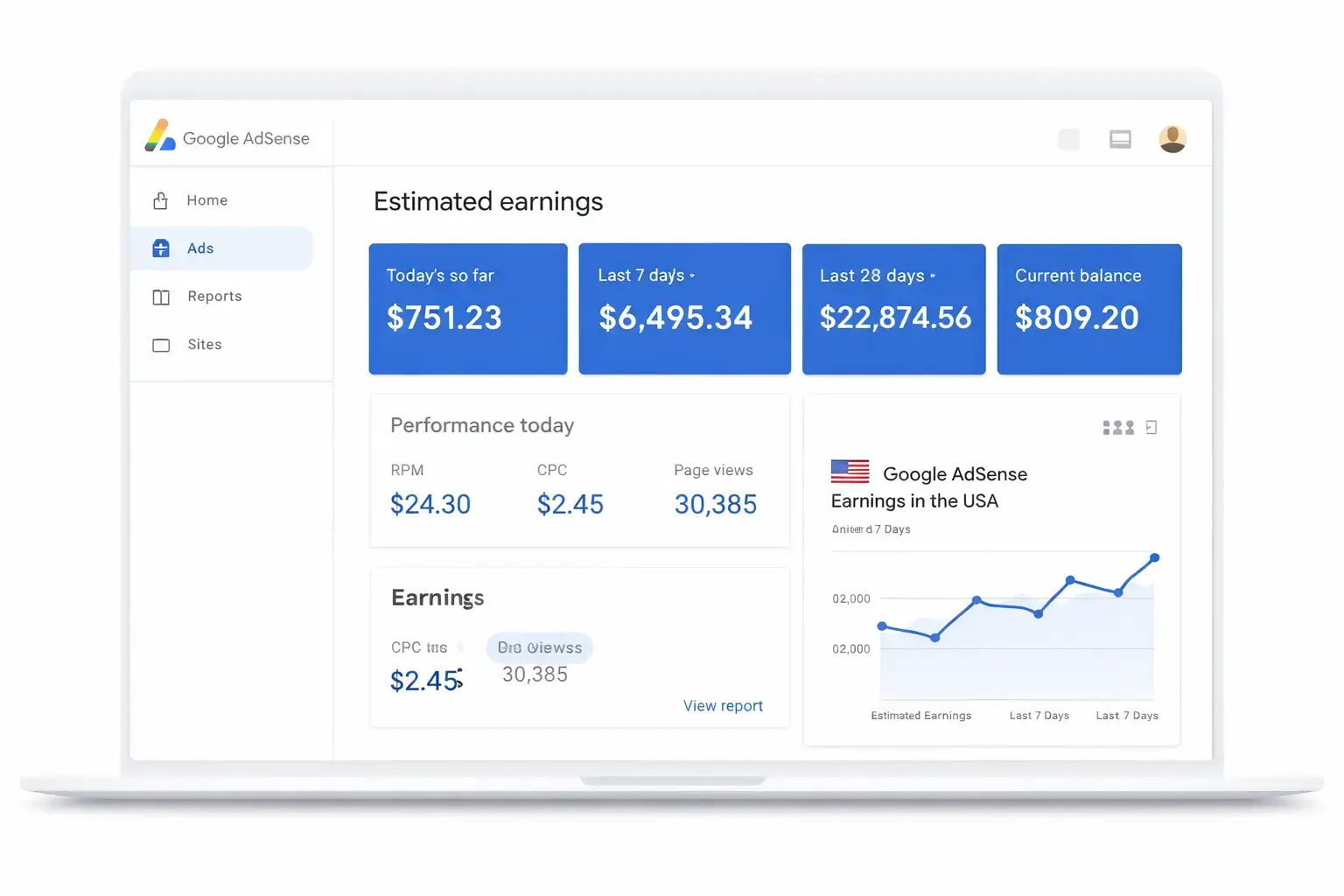
Google’s Countries report breaks performance down by the country of visitors who viewed ads. Open Reports in your AdSense account and select Countries. Choose the period you want to review, then inspect the United States row or apply an appropriate country filter.
Record the available earnings and page-view metrics for the same country selection. If page RPM is available, retain its reported value and scope. Export the data when useful, and note the date range, currency and account reporting time zone beside it.
Do not multiply total website page views by the US segment’s RPM when other countries are included. Also avoid dividing AdSense earnings by an unrelated Analytics page-view total and describing the result as the reported AdSense page RPM. Different tools and scopes can produce different counts.
When comparing periods, keep the site and country selection consistent. Start with a complete period rather than today’s partial results. If the sample is small, extend the review window and describe the uncertainty instead of treating a single unusually strong day as a normal rate.
Calculate US Page RPM and Estimated Earnings
Google defines page RPM as:
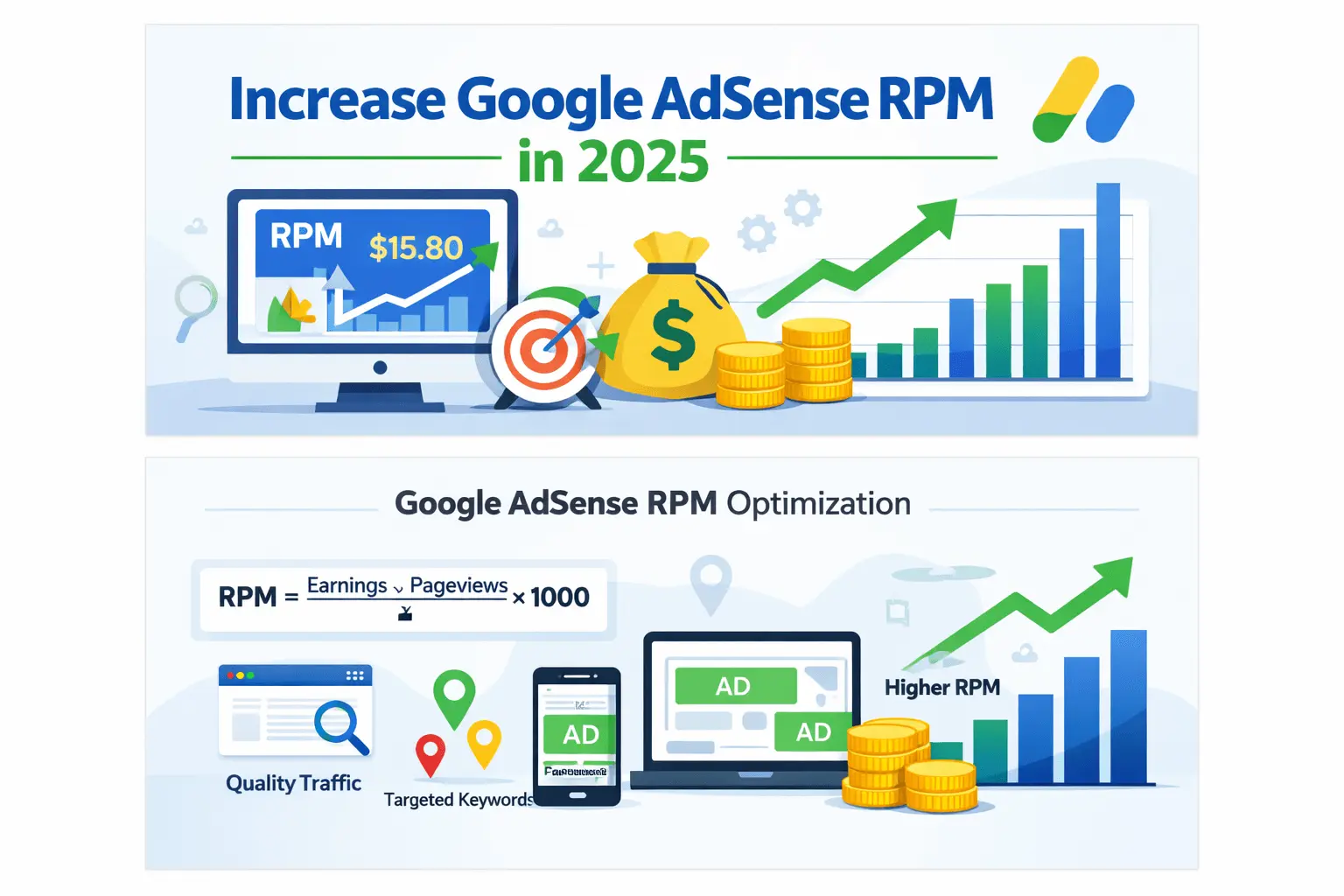
Page RPM = estimated earnings ÷ page views × 1,000.
For planning, rearrange the calculation:
Estimated earnings = page views × page RPM ÷ 1,000.
Suppose a hypothetical US report shows $36 in estimated earnings and 9,000 page views. The calculated US page RPM is $4. If a future period had 12,000 comparable US page views and retained that $4 RPM, the resulting estimate would be $48. The future RPM assumption remains uncertain.
Use the official page RPM definition when checking the formula. Our AdSense earnings per 1,000 views guide explains the general calculation across audiences.
Hypothetical Monthly Earnings Scenarios
The table below demonstrates how changing the assumptions changes the result. The RPM values are illustrative inputs chosen for arithmetic. They are not US benchmarks, niche averages or expected payouts.
| Monthly US page views | At assumed $2 RPM | At assumed $5 RPM | At assumed $10 RPM |
|---|---|---|---|
| 5,000 | $10 | $25 | $50 |
| 10,000 | $20 | $50 | $100 |
| 25,000 | $50 | $125 | $250 |
| 50,000 | $100 | $250 | $500 |
| 100,000 | $200 | $500 | $1,000 |
Replace the assumed RPM with a relevant value from your own reporting. If you have no monetization history, keep several scenarios and label them as assumptions. Do not describe the middle column as your likely result without evidence supporting that choice.
Mixed-Country Traffic: Calculate Each Segment Separately
Most audience forecasts need to account for more than one visitor country. Use separate segment estimates when you have relevant data, then add the earnings. The following example illustrates the method; both RPM values are hypothetical.
| Visitor segment | Page views | Assumed page RPM | Calculated earnings |
|---|---|---|---|
| United States | 6,000 | $8 | $48 |
| Other countries combined | 4,000 | $2 | $8 |
| Total | 10,000 | $5.60 blended RPM | $56 |
Applying the US $8 RPM to all 10,000 views would produce an $80 estimate and overstate this example’s $56 total. The audience is 60% US by page views, but the US segment contributes about 85.7% of the calculated earnings. Traffic share and revenue share are different measurements.
Calculate the combined RPM from total earnings and total matching page views. Do not take a simple average of $8 and $2 because the two segments contain different numbers of views. The AdSense RPM by country guide covers the country-comparison topic separately.
Can 500 Daily Page Views Produce $1?
At a $2 page RPM, 500 matching page views produce $1 in estimated earnings. At a $5 RPM, the same count produces $2.50. These are calculations, not minimum income guarantees. If your actual RPM is lower, revenue will also be lower.
To estimate the views needed for a daily target, use:
Required daily page views = daily revenue target × 1,000 ÷ assumed page RPM.
| Daily target | At assumed $2 RPM | At assumed $5 RPM | At assumed $10 RPM |
|---|---|---|---|
| $1 | 500 views | 200 views | 100 views |
| $5 | 2,500 views | 1,000 views | 500 views |
| $10 | 5,000 views | 2,000 views | 1,000 views |
Use US RPM only when the views in your target are US views. For a whole-site daily goal, use a relevant blended RPM instead. Our daily AdSense traffic planning guide expands on revenue targets. For smaller sites, read the low-traffic AdSense strategy.
How Many Views Would $1,000 Per Month Require?
Using the same illustrative assumptions, a $1,000 monthly target would require 500,000 page views at $2 RPM, 200,000 at $5 RPM or 100,000 at $10 RPM. These counts explain the mathematics rather than predict the performance of a particular website.
Check whether your proposed traffic target is supported by current trends. A calculator cannot establish that your site will attract the required readers or retain the assumed RPM as traffic grows. Treat traffic growth and monetization performance as two separate assumptions to review.
Build a Forecast From Your Own Results
Use a recent, complete reporting period as a starting point. Record US earnings, matching page views and calculated or reported page RPM. Note important changes in content, traffic sources or ad settings. A baseline affected by an unusual event may not represent the next period well.
Create a cautious scenario, a baseline scenario and a stronger scenario. Explain the assumptions behind each one. For example, a baseline might hold measured RPM constant while increasing page views only by a growth rate your recent results support. A stronger scenario needs its own evidence rather than an arbitrary larger number.
Keep the forecast date and compare the estimate with the eventual result. Record whether a difference came mainly from traffic, RPM or both. This makes future planning more useful than repeatedly selecting a new attractive rate from a public earnings article.
Create Content That Actually Serves US Readers
Audience targeting begins with a relevant question. For a US job guide, readers may need state restrictions, work authorization requirements, employer application links and local scheduling details. A USA label in the title is not enough when the body contains generic advice.
Choose topics you can support with reliable sources and useful examples. Do not enter a specialist subject solely because a keyword tool displays a large advertiser bid. The research needed for legal, financial or medical information is different from writing a basic software tutorial.
Use our blog topic selection guide to assess reader needs and evidence requirements. The AdSense keyword research guide explains how to investigate queries. Advertiser keyword estimates should remain separate from publisher earnings forecasts.
Compare Device Performance Before Changing Ads
Check the device breakdown available in your reports. If the audience shifts between mobile and desktop, sitewide RPM can change even when performance within each group remains similar. Investigate the mix before concluding that an ad change improved or damaged revenue.
Inspect representative pages on both devices. Check whether readers can reach the answer, use navigation and distinguish ads from site controls. Do not prescribe a universal number of ads or add paragraphs solely to create more advertising space.
Our mobile vs desktop RPM guide discusses device comparisons. Use your own results to decide where a test is justified rather than assuming one device always earns more.
Run Controlled Tests and Keep a Change Log
When a setting is suitable for testing, use the available AdSense experiments features to compare a configuration with a variation. Review the experiment’s scope and winner-selection settings before starting.
Record the setting, hypothesis, start date and metrics you will review. Avoid making several unrelated changes during the same evaluation period. Check total earnings, relevant RPM and reader usability together. A higher RPM alone is not an improvement if the change substantially reduces useful page views.
Small samples may not support a clear conclusion. If the evidence is inconclusive, document that outcome instead of announcing a winner. Keep the change log so you can distinguish configuration changes from shifts in traffic or content.
Estimated Earnings, Finalized Earnings and Payments
Estimated earnings describe recent account activity and can be adjusted. Finalized earnings and the amount actually paid are separate figures. Google’s earnings reporting explanation describes adjustments and the relationship between reports and the payment balance.
Earning $1 on a particular day does not mean receiving a $1 transfer that day. For a USD payments account, Google’s listed payment threshold is $100. Payment also depends on the applicable account requirements and absence of payment holds. Check the official payment thresholds for your account currency.
Keep estimated revenue separate from business profit. Hosting, content production and other expenses affect what remains after costs. If you also use affiliate marketing or sell products, report those income streams separately rather than including them in an AdSense earnings claim.
Protect Valid Traffic and Investigate Sudden Changes
Google’s invalid traffic guidance prohibits artificially generated clicks or impressions and includes accidental-click concerns. Do not click your live ads, ask others to click them or use traffic services designed to inflate advertising activity.
If revenue changes suddenly, first confirm the reporting period and compare page views, country mix, devices and ad delivery. Review account notices and recent implementation changes. A lower total can result from fewer views even when RPM is unchanged.
Use our AdSense invalid traffic guide for traffic-related checks. If CPC is the metric that changed, the CPC drop troubleshooting guide covers that narrower issue. Avoid changing multiple settings before identifying the affected metric.
Frequently Asked Questions
What is the average AdSense RPM in the USA?
This guide does not claim a verified national average. A useful benchmark needs a defined dataset, period and measurement. Your own US country report is the best starting point for evaluating your site’s performance.
Is USA traffic always more profitable than other traffic?
No universal comparison applies to every website. Compare country segments within your own reporting and preserve the same period and metrics. Country alone does not establish a visitor’s revenue value.
Can 500 page views earn $1 per day?
Yes in the calculation where those views achieve a $2 page RPM. It is not a guaranteed minimum. Use your measured RPM and matching page-view scope to estimate the result.
Should I use visitors or page views in the earnings formula?
Use page views with page RPM. Users, sessions and ad impressions are different counts. Keep the earnings and denominator aligned with the metric you are calculating.
Are these calculation tables real publisher case studies?
No. They are explicitly hypothetical examples. A genuine case study would require verifiable records, a reporting period and a clear explanation of the audience and measurement scope.
Will longer articles automatically increase earnings?
No. Add detail when readers need it. Evaluate advertising performance separately and avoid increasing word count solely to create additional ad placements.
Use Measured US Results for Your Next Decision
Open your country report, record a complete period and calculate the US segment’s page RPM using matching data. Build clearly labelled scenarios, check the audience mix and review the assumptions against actual results. This gives you a usable income plan without depending on unsupported US payout rates.