
Google AdSense helps eligible website owners earn revenue by displaying ads alongside original content. However, approval and earnings are never guaranteed. A useful AdSense strategy starts with policy-compliant content, clear navigation, a good user experience and careful measurement—not a fixed number of posts, a promised CPC or an “approval trick.”
This Google AdSense guide 2026 explains the complete process for beginners: eligibility, application, setup, ad placement, Page RPM, CPC, reporting and safe optimization. It also separates Google’s published requirements from common recommendations that are often presented as official rules.
Last reviewed: July 2026. AdSense features and policies can change, so confirm policy-sensitive decisions in the linked Google documentation.
Google AdSense Guide 2026: Quick Answer
To start with AdSense, create a site that you own or control, publish original content that serves a real audience, make the site easy to navigate and ensure it complies with Google Publisher Policies. Then create an AdSense account, connect your site and submit it for review. Google reviews the whole site; no unofficial checklist can guarantee approval.
- Confirm that you can access your site’s HTML and meet AdSense eligibility requirements.
- Remove copied, thin, misleading or prohibited content.
- Make navigation, author information and privacy disclosures easy to find.
- Apply through AdSense and complete the site review steps shown in your account.
- After approval, start with Auto ads or a small number of manual placements.
- Measure performance by page, country, device and traffic source.
- Improve content and user experience while avoiding invalid traffic and accidental clicks.
What Is Google AdSense and How Does It Work?
AdSense is Google’s advertising program for publishers. After a site is accepted and the ad code is installed, ads may be selected through Google’s advertising systems. The ads and revenue available to a publisher can vary with advertiser demand, page topic, audience location, device, season, ad format and other factors.
A publisher does not set a universal payment rate. AdSense reports estimated earnings, clicks, impressions and performance metrics inside the account. Finalized earnings can differ from estimates because Google may adjust revenue for invalid activity or other reasons.
Essential AdSense terms for beginners
| Metric | What it means | How to use it |
|---|---|---|
| Pageviews | The number of pages viewed | Understand content reach |
| Impressions | The number of individual ad requests that began downloading | Measure ad delivery |
| CPC | Cost per click; the amount earned for a click | Compare click value without treating it as fixed |
| CTR | Click-through rate | Watch for unusual changes; never try to force clicks |
| Page RPM | Estimated earnings per 1,000 pageviews | Compare page-level monetization |
| Impression RPM | Estimated earnings per 1,000 ad impressions | Compare ad-impression performance |
| Viewability | Whether an ad had an opportunity to be seen | Evaluate layout and content experience |
Google defines Page RPM as (estimated earnings ÷ pageviews) × 1,000. For example, if a site records $12 in estimated earnings from 4,000 pageviews, its Page RPM is $3. This is a calculation based on that site’s results—not a promised rate for future traffic. See Google’s official explanation of revenue per thousand impressions.
For a deeper explanation and more calculation scenarios, read how much AdSense pays per 1,000 views.
Google AdSense Eligibility and Approval Requirements
Google’s eligibility guidance focuses on control of the site, compliant and original content, and the publisher’s ability to meet the program requirements. Applicants must be at least 18 years old; Google explains that a parent or guardian may sign up using their own Google Account when the publisher is under 18. Some host partners have their own process.
Review the current AdSense eligibility requirements and AdSense Program policies before applying.
What Google does not publish as a universal requirement
Google does not state that every site needs exactly 20 or 30 posts, that every article must contain a particular number of words, or that a domain must receive a fixed amount of traffic before applying. Those numbers may be personal publishing targets, but they should not be presented as official approval rules.
Quality also cannot be reduced to word count. A short page can completely answer a narrow question, while a long page can still be repetitive or unhelpful. Build enough original content for a reviewer to understand your site’s purpose, expertise and value to readers.
Practical pre-application checklist
- Clear purpose: the homepage and navigation show who the site serves and what it covers.
- Original value: articles contain useful explanations, examples or experience instead of copied or lightly rewritten material.
- Accessible content: important pages are not hidden behind a login, broken layout or unfinished design.
- Trust information: readers can identify the publisher, contact the site and understand how personal data is handled.
- Usable navigation: menus, categories and internal links work on mobile and desktop.
- Content rights: text, screenshots and images are original, licensed or otherwise used lawfully.
- Policy compliance: prohibited content, deceptive behavior and manipulative ad practices have been removed.
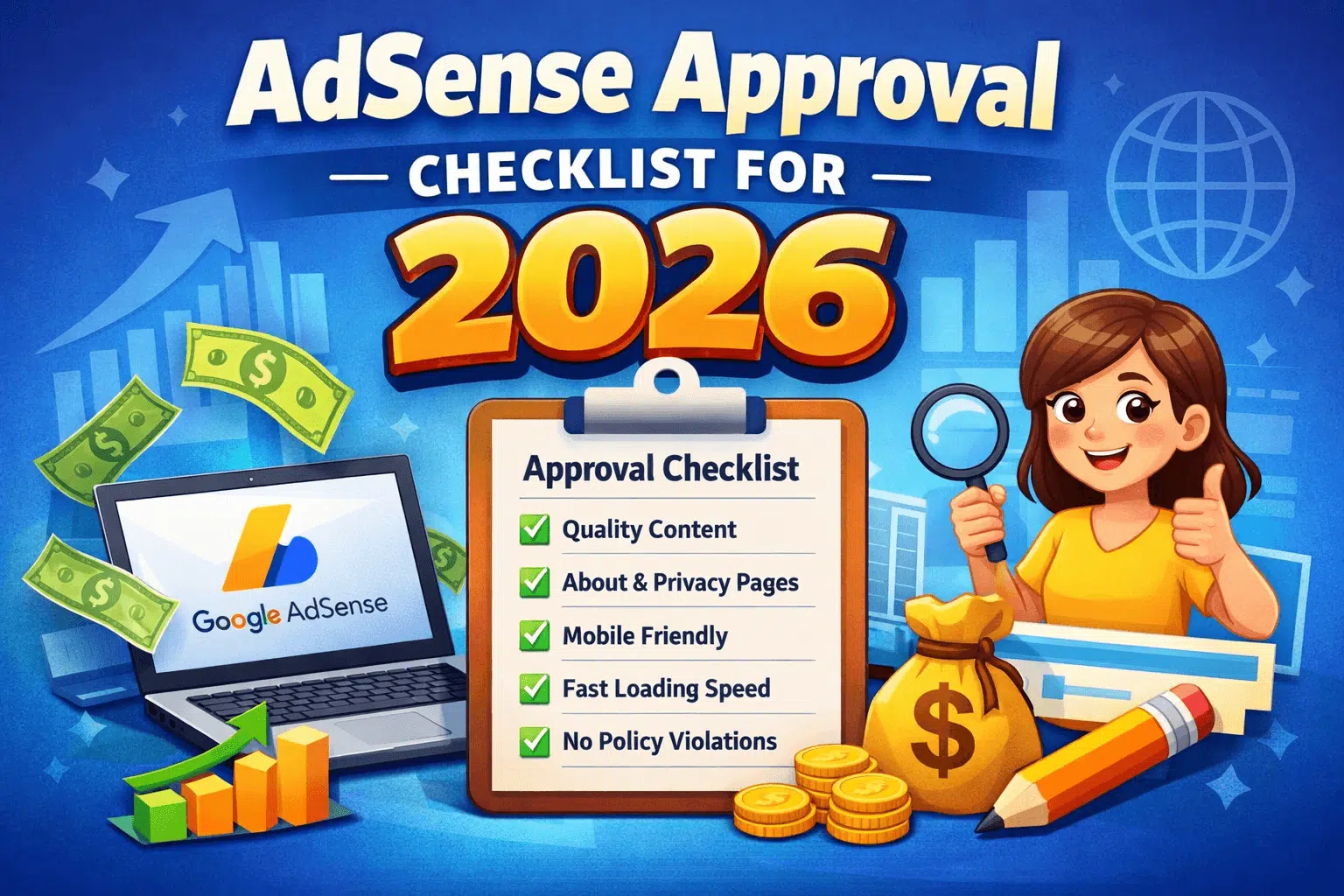
About, Contact and Privacy Policy pages are useful trust signals and may be necessary for transparency or legal compliance, depending on the site and audience. Do not describe every possible legal page as a guaranteed AdSense approval requirement. If you want a focused review before applying, use this AdSense approval checklist.
How to Apply for Google AdSense
- Go to the official AdSense website and sign in with the Google Account you want to use.
- Enter your site and the requested account information accurately.
- Connect the site using the method shown in AdSense. Depending on the setup, this may involve adding code, using a supported platform integration or completing another verification step.
- Make sure the site is live, crawlable and free from maintenance pages or broken templates.
- Submit the site for review and monitor the Sites area in your AdSense account.
- If the site is not accepted, read the reason provided, correct the underlying issue and request another review when the site is genuinely ready.
There is no reliable way to promise a specific review time or approval outcome. Avoid buying “guaranteed approval,” approved accounts or artificial traffic. These offers can create account, ownership, payment and policy risks. Review the most common AdSense rejection reasons instead of repeatedly applying without material changes.
Setting Up AdSense After Approval
Approval is the beginning of testing, not the finish line. Confirm that the AdSense code loads correctly, complete any payment or identity steps shown in your account and use the reporting interface to establish a baseline before making frequent layout changes.
Auto ads vs manual ad units
| Option | Advantages | Considerations |
|---|---|---|
| Auto ads | Faster setup; Google evaluates potential placements; controls are available | Preview the experience and review format or page exclusions |
| Manual ad units | More direct control over location and surrounding content | Requires careful implementation, testing and maintenance |
| Combined approach | Can pair automated coverage with selected manual positions | Avoid duplicate or overcrowded placements |
There is no universal winner. A simple site may start with Auto ads and adjust the available controls, while a publisher with a mature layout may prefer carefully selected manual units. Google’s current instructions explain how to set up Auto ads and preview settings before applying them.
Policy-Safe Ad Placement and User Experience
Good placement makes ads visible without making them look like navigation, download buttons or site content. Never place ads where users are likely to click accidentally, label ads in a misleading way or ask readers to click ads to support the site. Google’s ad placement policies provide examples of prohibited implementations.
A safer placement checklist
- Keep ads clearly distinguishable from menus, buttons and content links.
- Leave enough space around interactive elements on mobile screens.
- Do not let ads push the article’s main answer far below the first screen.
- Review sticky, anchor, vignette and other overlay formats on real devices.
- Avoid layouts with more advertising than publisher content.
- Check page speed and layout stability after adding ad code.
- Measure engagement and revenue together rather than optimizing CTR alone.
Do not follow a fixed “five ads per article” formula. The appropriate experience depends on page length, screen size, content type and format. Start conservatively, inspect the page and change one meaningful variable at a time. See the detailed guide to AdSense ad placement for a practical testing framework.
Page RPM vs CPC: What Should You Track?
CPC measures the revenue generated by an individual ad click. Page RPM converts total estimated page revenue into a rate per 1,000 pageviews. Neither metric tells the whole story by itself. A high CPC page can earn little if it receives few pageviews, while a lower-CPC page can contribute meaningful revenue through larger qualified traffic.
Use Page RPM to compare monetization across pages or periods, then investigate the factors behind the result. Segment reports by page, country, device, ad format and traffic source when the available data is sufficient. Avoid making decisions from a tiny sample because a few impressions or clicks can produce unstable percentages.
Why RPM and CPC change
- Advertiser demand and auction competition
- Visitor location, language and device
- Page topic and the user’s intent
- Seasonality and changes in advertising budgets
- Ad format, viewability and layout
- Traffic source and visitor quality
- Consent, privacy and ad-personalization conditions
Google does not publish a universal “USA RPM,” niche CPC or country multiplier that every publisher will receive. Statements such as “USA traffic always earns $8–$30 RPM” or “one country pays five times more” should not be treated as facts. Use your own AdSense reports and clearly label any calculator input as an illustrative scenario rather than an earnings forecast.
How to Improve AdSense Revenue Safely
Sustainable improvement comes from increasing reader value and testing responsibly. “High CPC keywords” should not be inserted into unrelated articles. Search intent, topical relevance and editorial quality come first; advertisers and auctions determine the ads and prices available.
1. Improve pages that already attract search traffic
Use Search Console to find pages with useful impressions, declining clicks or weak average positions. Update outdated explanations, improve the opening answer, add missing examples and strengthen relevant internal links. A better page can earn more pageviews without creating a new article for every keyword variation.
2. Build focused topic clusters
Create one strong guide for a broad topic and supporting articles for distinct questions. Avoid publishing several pages that answer the same query with slightly different wording. Clear topical structure helps users explore the site and reduces keyword cannibalization.
3. Improve speed and mobile usability
Compress oversized images, use appropriate caching, reduce unnecessary scripts and inspect Core Web Vitals in PageSpeed Insights and Search Console. Ad scripts are only one part of performance; themes, plugins, consent tools and third-party widgets can also affect loading and layout stability.
4. Run controlled placement tests
Record a baseline, change one important placement or format, and compare a meaningful period that accounts for traffic differences. Evaluate estimated revenue, Page RPM, viewability, speed and engagement together. Revert changes that create a worse reading experience even if a short-term metric rises.
5. Attract the right audience ethically
Create content for the audience you genuinely understand. International traffic can have different advertiser demand, but adding “USA” to headings does not create qualified US traffic. Research the country’s terminology, laws, products and reader needs, then source factual claims from authoritative material.
For more measurement ideas, read the guide to AdSense RPM and CPC optimization.
Invalid Traffic and AdSense Practices to Avoid
Invalid activity can include clicks or impressions that artificially increase advertiser costs or publisher earnings. Publishers should not click their own ads, encourage other people to click, purchase bot traffic or use deceptive layouts that generate accidental interactions.
- Never test a live ad by clicking it yourself.
- Do not use messages such as “support us by clicking an ad.”
- Avoid traffic sellers promising guaranteed visitors, ad clicks or revenue.
- Do not disguise ads as download, play, next-page or navigation controls.
- Investigate unusual traffic-source, CTR or geographic changes promptly.
- Keep analytics and server information available when diagnosing suspicious activity.
Also avoid purchasing an “AdSense-approved account.” Account details, payee information, identity checks and site ownership must be accurate. A shortcut that bypasses proper review can create long-term payment and enforcement problems.
A 30-Day AdSense Action Plan
Week 1: Audit Content and Trust
Start by identifying copied, outdated, overlapping or low-value pages.
Your author, About, Contact and privacy information should remain consistent across the site.
Navigation, broken links and mobile rendering also need careful review.
Week 2: Improve High-Potential Pages
Focus first on pages already receiving impressions or organic traffic.
Direct answers, useful tables and verified sources can make each page more valuable.
Articles targeting the same search intent should be merged or clearly differentiated.
Week 3: Review Ads and Performance
Examine Auto ads and manual ad units across common screen sizes.
Before making changes, record baseline data for Page RPM, viewability and engagement.
Any placement that interrupts reading or sits too close to navigation controls should be removed.
Week 4: Test One Improvement
Select one change involving ad placement, page speed or content quality.
Enough data should be collected before comparing the results.
Finally, document the outcome and decide whether to keep, refine or reverse the change.
Frequently Asked Questions
Is Google AdSense still worth using in 2026?
AdSense can still be a useful monetization option for eligible content sites, but its value depends on traffic, audience, content, advertiser demand and user experience. It should not be treated as guaranteed income. Some publishers also diversify with relevant affiliate offers, sponsorships or their own products while keeping disclosures clear.
How many posts do I need for AdSense approval?
Google does not publish a universal minimum post count. Apply when the site has enough original, useful and accessible content to demonstrate a clear editorial purpose and when the entire site complies with the policies. Ten strong articles are not automatically sufficient, and 50 weak articles do not guarantee approval.
How much traffic is required to apply for AdSense?
Google’s general AdSense eligibility guidance does not specify one traffic minimum for every website. Nevertheless, traffic is necessary to generate meaningful revenue. Focus first on useful content and genuine visitors instead of buying traffic or applying only because the site has reached an unofficial pageview target.
How much does AdSense pay per 1,000 views?
There is no fixed payment for 1,000 views. Page RPM varies by site, page, audience, device, season and advertiser demand. Calculate your own Page RPM using estimated earnings divided by pageviews and multiplied by 1,000. A hypothetical RPM is useful for scenario planning, but it is not a revenue promise.
Are Auto ads better than manual ads?
Neither option is best for every site. Auto ads simplify setup and provide controls, while manual units provide more direct placement control. Preview both on mobile and desktop, avoid overcrowding and compare revenue with user-experience indicators before deciding.
Can I click my own ads to test them?
No. Publishers should not click their own live ads or ask friends, employees or readers to click. Use the preview and testing methods provided by Google and your development tools without generating artificial ad interactions.
What should I do after an AdSense rejection?
Read the reason or status shown in AdSense, audit the entire site and fix the underlying problem before requesting another review. Do not follow a generic waiting period as if time alone solves the issue. Improvements to content, navigation, policy compliance or technical access should be real and visible.
Final AdSense Checklist
- Build for readers first and make the site’s purpose obvious.
- Follow Google’s current policies instead of unofficial approval formulas.
- Keep ownership, identity, payment and tax information accurate.
- Use ads without hiding content or encouraging accidental clicks.
- Measure Page RPM, CPC and CTR as diagnostic metrics—not guarantees.
- Use your own reports instead of copying public RPM or CPC claims.
- Improve one variable at a time and protect the reader experience.
The most dependable lesson from this Google AdSense guide 2026 is simple: approval and revenue grow from a trustworthy publishing operation, not shortcuts. Keep your content accurate, study your own data and check official Google documentation whenever a policy or product feature changes.